 EZVIZ no longer supports Internet Explorer 10 or earlier versions, and the site may not behave as expected. Please upgrade to a newer browser.



 Oprogramowanie sprzętowe
This website uses cookies to store info on your device. Cookies help our website work normally and show us how we can improve your user experience.
By continuing to browse the site you are agreeing to our cookie policy and privacy policy.

 Oprogramowanie sprzętowe
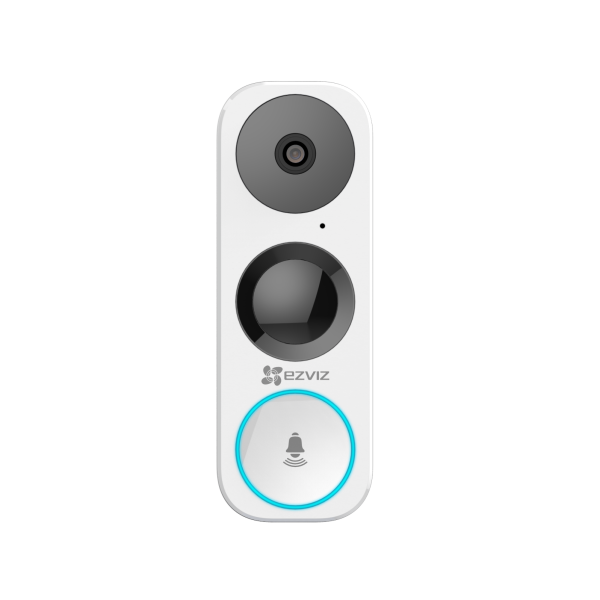
Compatibility List for DB1 & DB1C Chime
Compatibility List for DB1 & DB1C Chime
1. Digital Chime
2. Mechanical Chime

Notes: Please use EZVIZ App to select Chime Type during DB1 & DB1C setup.
[Troubleshoot] What does the error message "Device is busy" mean?
Please note that this message usually indicates that the camera or NVR/DVR has reached its maximum connection at the same time. Please check if you have shared your account or device with your family or friends. If so, please advise them to log out of the account. If not, please turn off the device and turn it on again, this should solve the problem.